Tools
What if customers could design their own hats?
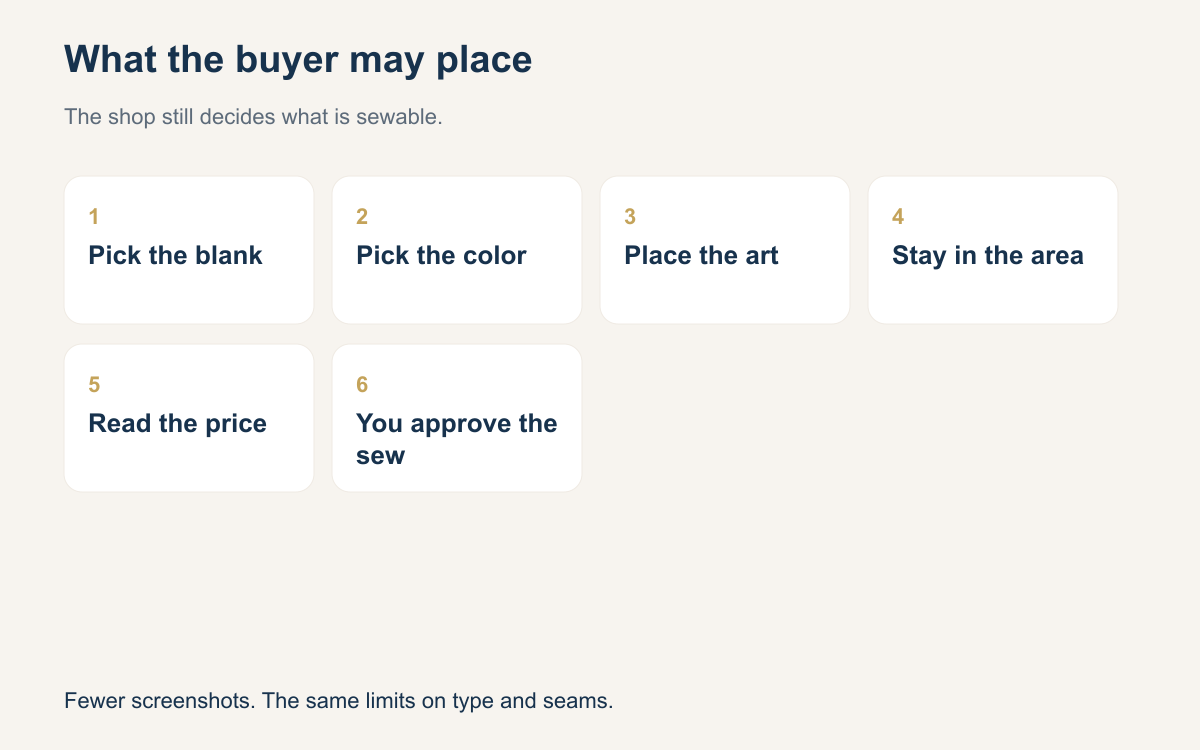
A buyer who can place a logo on the hat before ordering stops the late-night screenshot loop. The shop still has to lock the sew area, the thread colors, the smallest type, and which blanks are even offered. The design on screen is a preview. A person still decides what is sewable.
Most custom hat orders still start as a stack of pictures in a chat. The buyer sends a logo. You send a photo of a similar cap with the art dropped on top. The buyer says move it left, make it bigger, try the white, try the other white. Each round is another night of messages, and the yes is a sentence you have to scroll to find. The hat itself has not changed. Only the conversation has grown.
There is another way to start. The buyer sees the art on a hat you actually sell, in a size you are willing to sew, and says yes to that picture before anyone hoops. You still digitize. You still choose underlay, density, backing, and whether a detail has to go. What you drop is the theater of emailing screenshots until both of you are tired. The control stays with the shop. The buyer just stops guessing.
What the screenshot loop is costing you
Count a normal front-logo cap from the first message to the approval. If you are honest, a lot of that time is not sewing. It is exporting a picture, waiting, answering "a little bigger", exporting again, and then discovering the buyer meant the side panel. Multiply that by every team, every booster club, and every person ordering eight hats for a weekend. The machine is idle while the screenshots travel.
A buyer who places the art before ordering removes most of those rounds. The placement, the color of the blank, and the rough size are visible to both of you at once. You are not interpreting "the black one" from a photo taken in a car. The buyer is not waiting overnight to see if the logo fits. You still send a note when something must change for thread. You do not send five drafts to discover the blank color.
What the buyer can decide
Let the buyer decide the things that are truly choices. Which approved blank. Which of your thread colors. Where the logo sits inside the area you drew. Whether the order is twelve caps or forty. Those choices are easy to get wrong in a chat and easy to get right when the hat is on the screen. A booster parent can see that the navy cap with the white mark looks like the team, and can stop asking you to imagine it.
Do not let the buyer decide the physics. The buyer does not set stitch density, pick backing, or add a second row of type that falls under your minimum. If a tool lets someone upload any picture and stretch it to any edge, you have rebuilt the screenshot problem inside a nicer frame. The buyer should be choosing among sewable options. You already did the hard editing when you set those options up.
The area, the colors, the type, the blanks
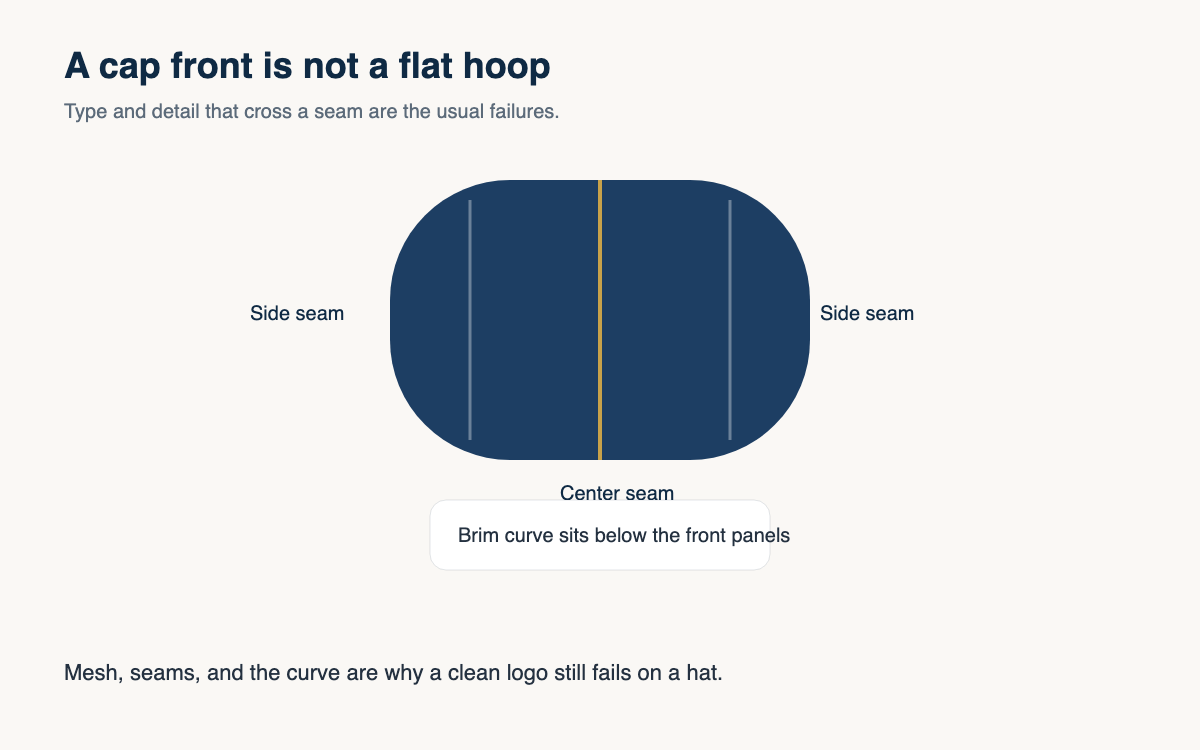
Area is the box on the blank, measured in inches, kept off seams and off the mesh. On a structured cap the front panel is shorter than people think, often around two inches to two and a quarter of clean height before the curve and the eyelet fight you. Write the maximum width and height down. If the buyer drags a logo outside that box, the design is not allowed to save.
Colors mean the cones you stock, not every hex value on the internet. Offer the thread colors you can match on a Tuesday without a special order. Minimum type size is a number, not a vibe: if you will not sew satin letters under a quarter inch, the tool should not let someone place them. Blanks mean the hats, tees, hoodies, or totes you hoop well and actually keep, in the colors you can get again.
Approval is still a shop job
Seeing the art on the hat is not the same as a finished sew-out. The buyer has approved a preview: this blank, this placement, this size, these colors. You still open the art and ask if it can be digitized. Thin lines, photographs, and ten-color crests get redrawn or refused, the same as if they arrived by email. Tell the buyer when you change the art.
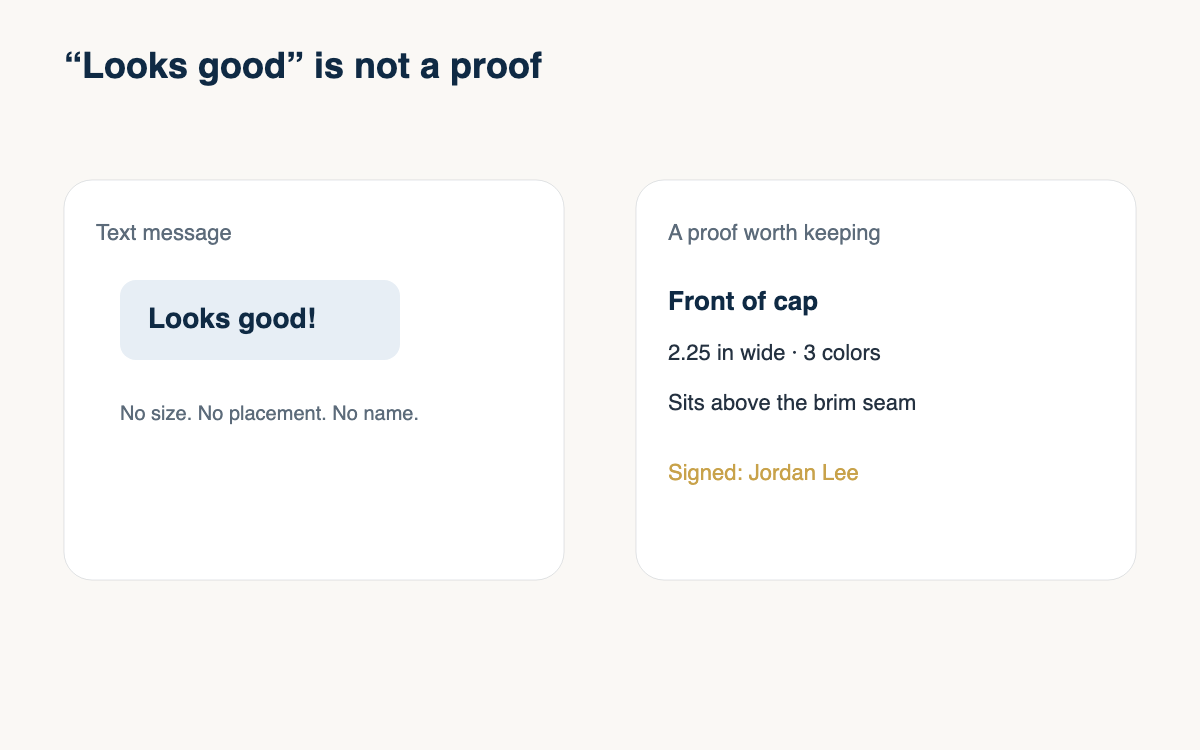
Write down what was approved. The blank style and color, the size run, the placement, the art version, and the price. If the buyer later says the logo was bigger in the picture, you can point at the record instead of scrolling a chat. Digitizing, hooping, and sewing stay on your side of the counter. The new part is only that the buyer showed you the intent before the order existed, with less back and forth.
Rules to set before you open the door
Set the rules on a quiet day, not while a team parent is waiting in the parking lot. Pick the blanks. Measure the sew areas. List the thread colors. Set the type floor. Decide what file types you accept and what you will redraw. Price the placements you offer so the buyer sees a number with the picture, not a promise that you will quote later. Test the path yourself with a fussy logo and see where a person still has to step in.
Then tell customers what they can do in one plain sentence. They can put their art on the hats you sell, inside the area you allow, in colors you sew. They cannot put a photograph on the side mesh and expect it Friday. The shops that regret this setup are usually the ones that opened every option.
- Measure the sew box on each blank and keep art inside it.
- Offer thread colors you stock, not every color on a screen.
- Block type under the smallest height you will actually sew.
- List only blanks you can reorder and hoop well.
- Show the size in inches next to the preview.
- Save the approved art, blank, and price with the order.
- Redraw or refuse art that still will not sew, and say so.
Buyers designing the hat before they order is a way to stop guessing. It removes rounds of screenshots. It does not remove your judgment. Lock the area, the colors, the type size, and the blanks, and the screen works like a good counter. Leave those open, and you will sew problems you used to catch in the quote.
One way to do this is a designer on the product page. On Stitchify Hub the buyer sees the art on the hat, tee, hoodie, or tote the shop set up, in the area the shop allows, and the storefront prices the embroidery with the garment. Saving the design asks for a login. The shop still decides what is sewable.
A question for the group
If a buyer could place a logo on a hat before ordering, which rule would you lock first: the area, the colors, the type size, or the blanks?