
Tools
ChatGPT prompts embroidery shops can use today
These prompts draft a customer reply, a listing, a caption, or a plain-language price note. Copy one, add the real blank and the real date, and edit the result before you send it. The words can be useful. They do not sew, and they do not know your thread rack.
You already rewrite the same notes. A buyer wants to know why the cap costs more than the polo. A listing sounds like every other hat on the internet. A chat tool can draft those words if you give it a clear job. You still have to check the facts, because the tool has never hooped your frames or seen your price list.
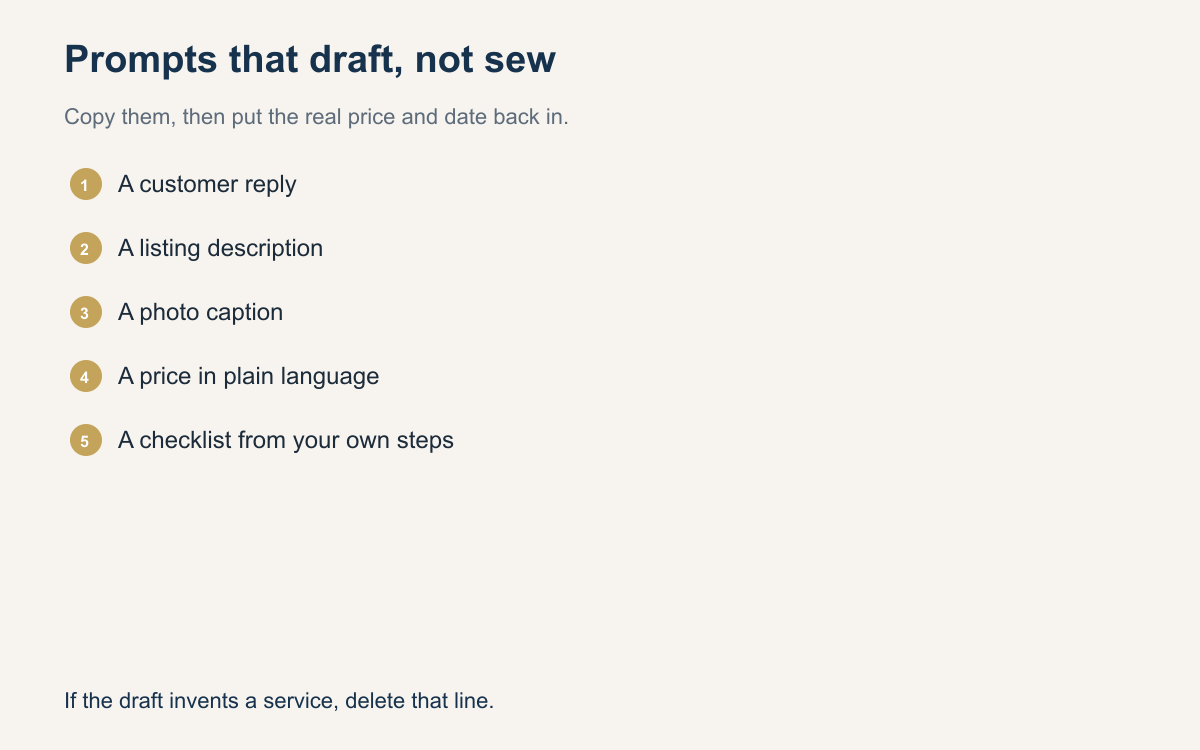
Below are fifteen prompts you can copy. Each one is a writing job, then a line on when to use it. Paste the prompt and add the real color, size, date, and price. If the draft promises a date you do not have or a tiny line you will not sew, change it. These prompts draft words. They do not sew.
What a prompt can do in a shop
A prompt is an instruction to a writing tool. Say the task, the facts to include, and the facts to avoid. Ask for a reply that states the cap color, the size in inches, and the pickup day. You are not asking the tool to digitize or to invent a policy you do not run.
Keep a wall between the draft and the machine. The tool must not invent stitch counts, promise a photograph can be sewn as-is, or say every font will work at any size. If a draft says those things, delete them.
Replies, listings, captions, and price notes
Use the reply prompts to confirm an order, explain a detail that will not sew, give a new date, ask for better art, or say the order is ready. Use the listing and caption prompts when a page or a photo is vague. Use the price prompts when a buyer is comparing numbers and does not know what they include.
Do not send the draft untouched. Swap in the real garment, the real inches, and the real money. If the tool hands you a speech, keep the facts and delete the speech.
Fifteen prompts you can copy
Copy the sentences before "Use this when". Add your facts in the same message to the tool: blank, colors, size, date, and price. If you do not know a fact, do not let the draft invent it. Tell the tool to leave a blank you will fill, or wait until you know.
After the draft comes back, check the garment, your type limit, your turnaround, and whether it claims the picture is already a sew-out. Then send it, or rewrite the line that is wrong.
- Write a short reply that confirms the blank color, the placement, and the day the buyer approved. Use this when a long chat needs one message of facts before you sew.
- Write a polite reply that says a thin tagline will not sew at cap size, and offer to keep the main word. Use this when phone art will clump in thread.
- Write a reply that names the new ready date and the reason in one plain clause. Use this when a blank is late and you want a calm note.
- Write a reply that asks for a flat logo with real text, and say a photo of a shirt is a weak file to digitize from. Use this when you only have a screenshot.
- Write a pickup note that names the garment, the quantity, the hours, and which door to use. Use this when the order is bagged.
- Write a cap listing with the blank, the front placement, a sew size in inches, and a line that the preview is not the finished sew. Use this when a listing is vague.
- Write a polo listing with the fabric, the left-chest size in inches, and a line that letters under a quarter inch are not offered. Use this when a page promises any art.
- Write a staff-order description that asks for quantities by size, a needed-by date, and one logo file. Use this when a group buyer sends no sizes.
- Write a caption for a finished cap that names the placement and the thread colors, and do not claim the photo shows every stitch. Use this on a sew-out photo.
- Write four sentences on hooping a cap, backing, and a test sew. Do not mention prices. Use this when you want to show the work behind a clean logo.
- Write a caption that states your normal turnaround and the cutoff for a weekend event. Do not promise a rush you cannot sew. Use this when comments ask for a date.
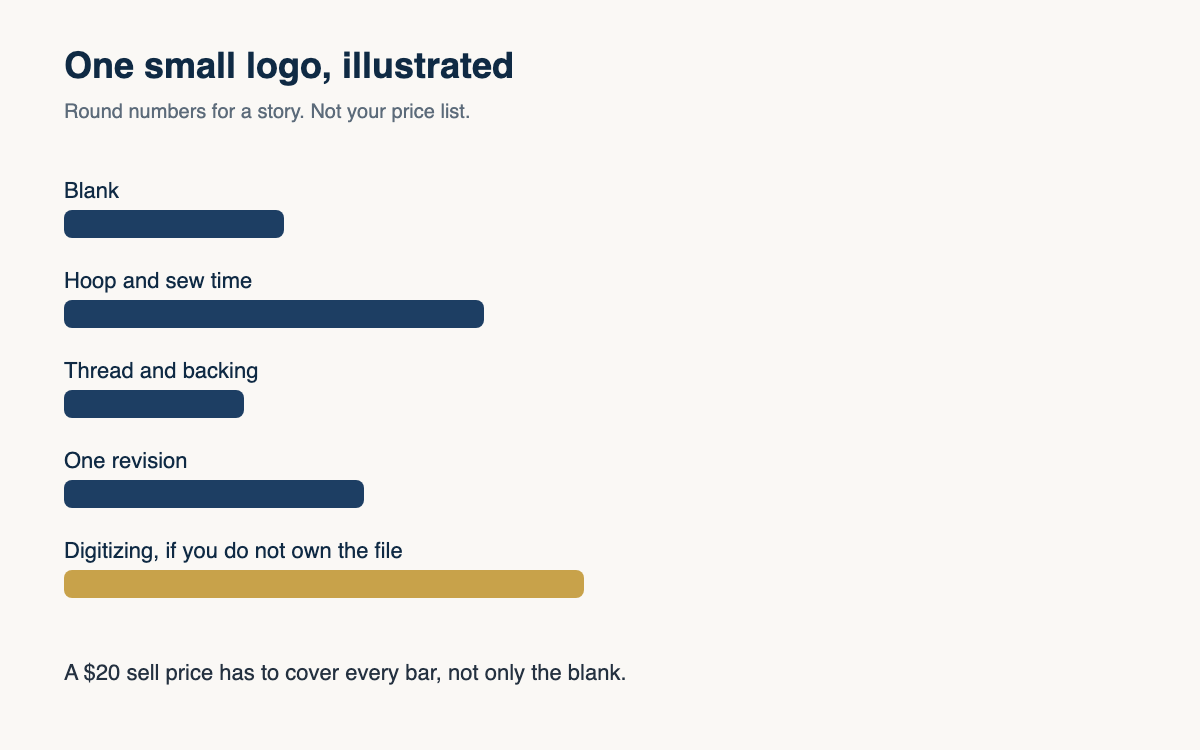
- Explain in plain language why a front cap logo often costs more than a small left-chest logo. Mention hooping, the cap curve, and sew time. Use this when a buyer compares the two prices.
- Explain stitch count in plain language. Say more stitches can mean more coverage or a stiffer patch, and that you price time and difficulty. Use this when two logos share a width and not a price.
- Explain why one hat costs more per piece than a run of twelve. Mention setup, hooping, and thread changes. Use this when a buyer wants one cap at the dozen price.
- List what a quote includes, such as the garment, the embroidery, and one art revision, and what it leaves out, such as a second placement. Use this when a quote is only a number.
Edit the draft before it leaves the shop
Read the draft as the buyer, with no other context. Could you tell the color, the placement, and the next step? If not, add the fact. Take out any line that says the logo will look exactly like the screen.
Keep a few edited replies and reuse the shape. A delay note that worked is the pattern for the next delay, with a new date. A price note that stopped an argument is the pattern for the next quote.
What you never hand to the machine
Do not paste a chat reply into a stitch file and call it production. The machine reads needle moves, not your caption. Digitizing, density, underlay, and the choice to refuse a tiny mark stay with a person who can sew a sample.
If you want the tool to help before digitizing, limit the ask. Ask it to list the words in the logo or to point at lines that look very thin. Then you open the art and decide. If a draft says the file is ready to sew, ignore it.
Copy a prompt when you are staring at a blank reply, a thin listing, or a price that needs words. Add the real facts. Edit the draft. Send the words. Then go back to the hoop. The tool can make the note clearer. It cannot make the stitches right.
A question for the group
Which of these prompts would save you the most time this week, and what would you still rewrite before you sent it?